How to extract icons from a UI screenshot: 4 steps to clean PNGs
When the source file is missing but developers still need icons, illustrations, or control graphics, Slice Master turns one complete UI screenshot into reusable transparent PNG assets.
Let the tool narrow the candidate area, review the boundaries yourself, and export only the elements that need to ship. The workflow is faster and more reliable than repeated zoom-and-crop work.
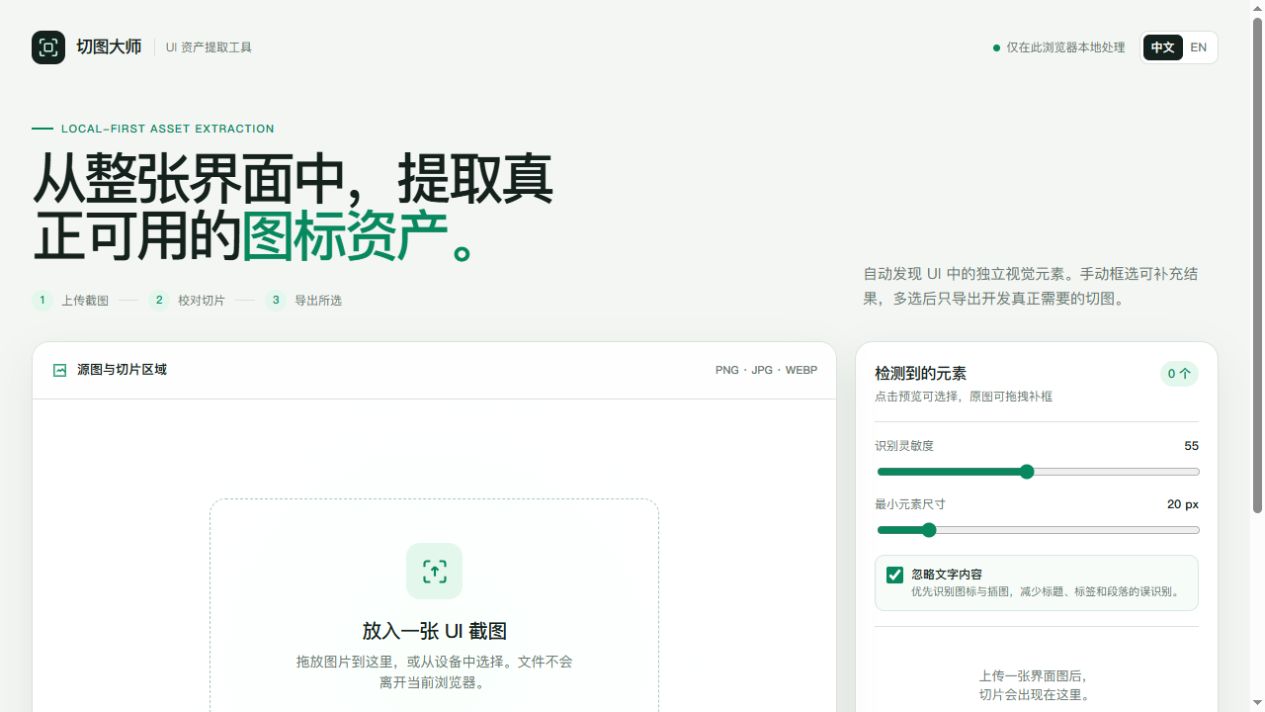
When does this workflow help?
It is useful for design handoff, legacy maintenance, temporary asset recovery, visual reconstruction without source files, and small teams building an asset library from finished screens. Text, tables, and highly dynamic content should remain code-driven.
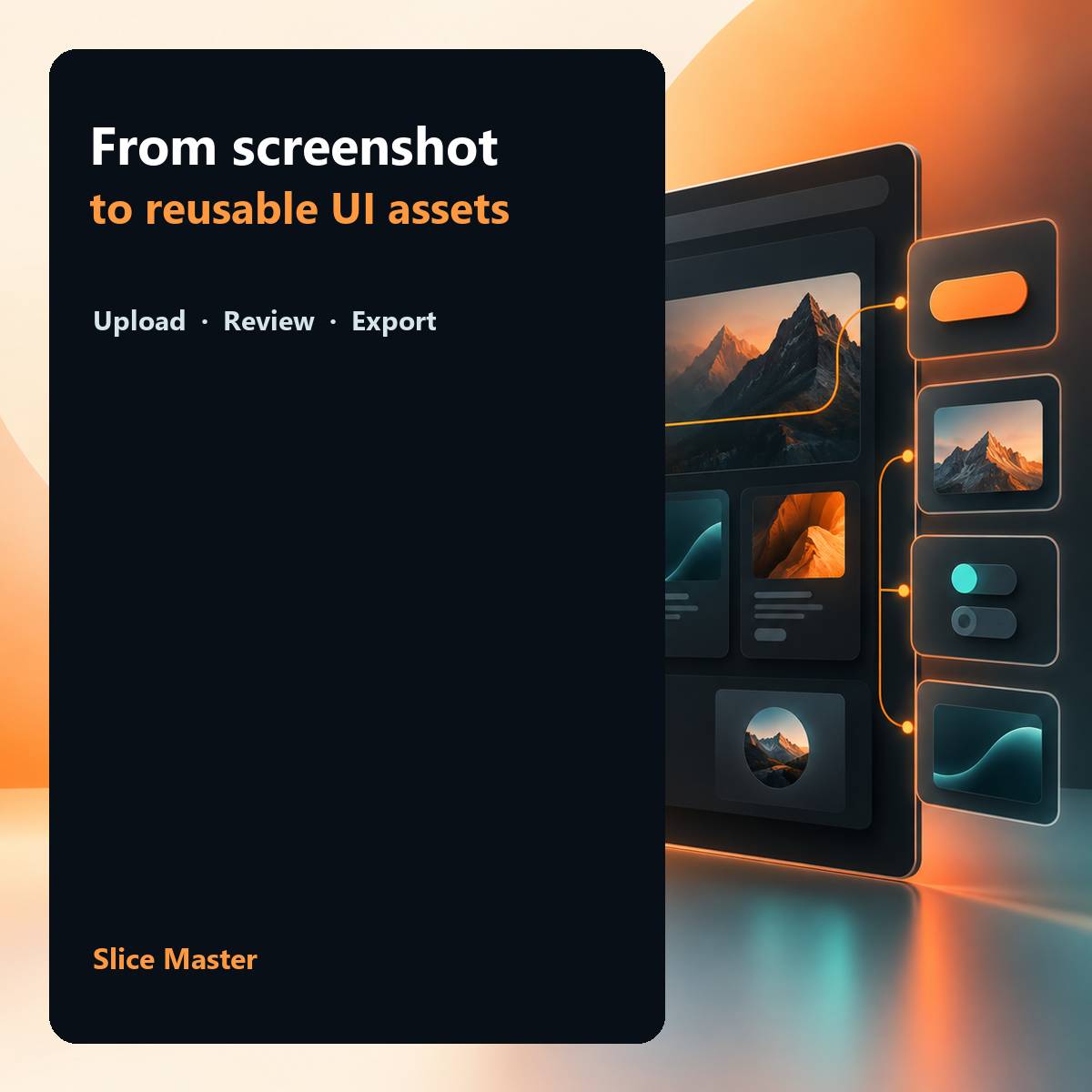
Four steps to a reliable extraction
- Upload the screenshot. Use an original-resolution PNG, JPG, or WebP and keep sensible whitespace around visual elements.
- Review candidate elements. The tool lists shapes that may exist independently; text and background noise often need to be removed.
- Correct the boundaries. Move the slice, adjust its four edges, or enter an exact width and height. Pay extra attention to shadows and elements beside text.
- Export selected PNGs. Download one asset for a quick fix, or export a ZIP for a complete developer handoff.
Manual cropping versus review-first slicing
Zoom in → find an element → draw a box → crop → rename. The loop grows with every icon and makes state variants easy to miss.
Upload → get candidates → correct only the boundaries → export selected assets. The tool discovers; a person decides.
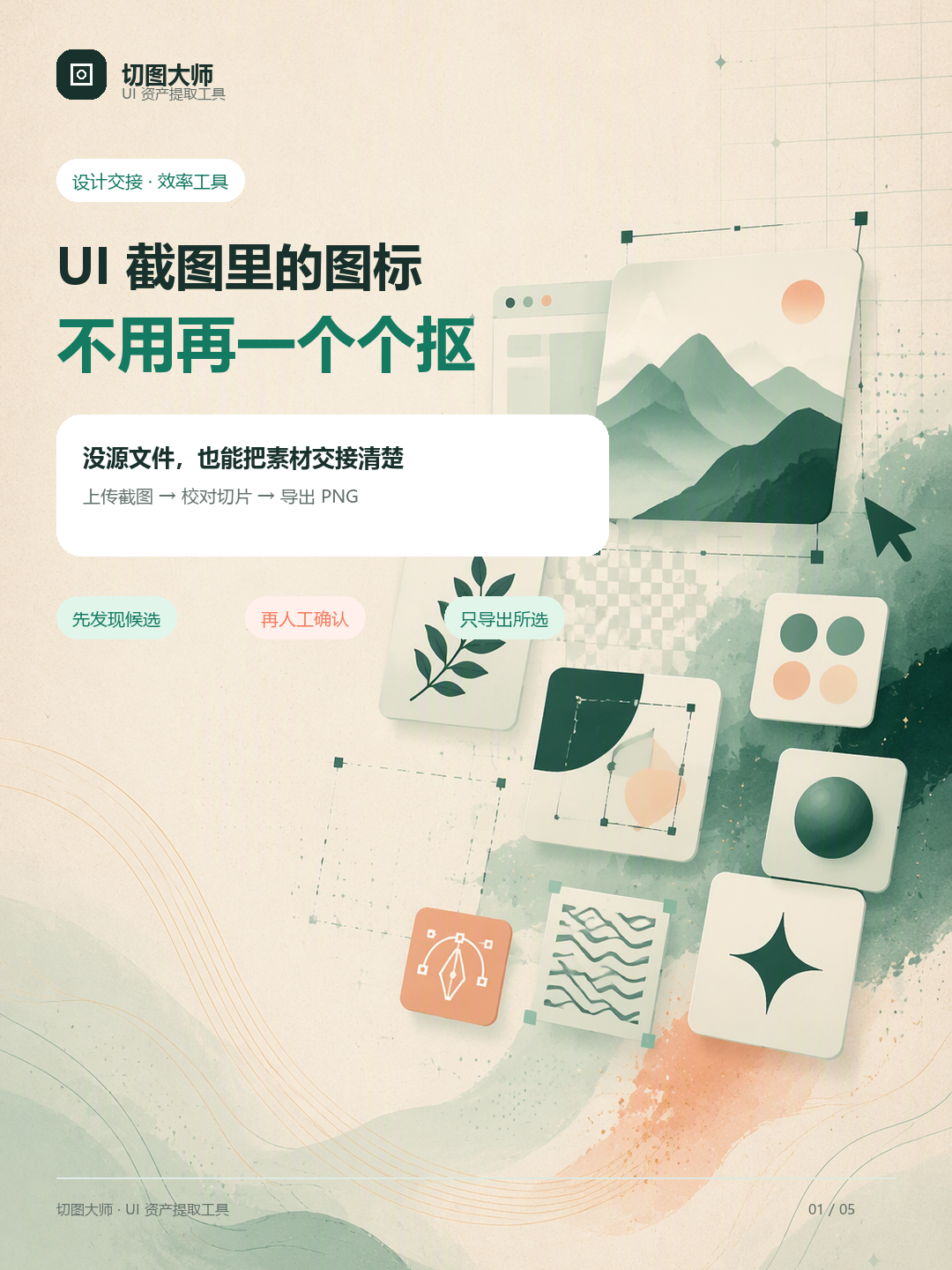
Five checks before export
- Are transparent edges clean, without neighbouring copy or background colour?
- Do icons in the same set share canvas dimensions and safety padding?
- Does each filename explain page, feature, and state, such as
nav-home-active.png? - Have text, prices, or button labels that should be code been mistakenly exported as images?
- Are display size, stretching rules, and light/dark variants documented?
Privacy boundary
Detection, transparency processing, and export run in the current browser. The screenshot is not saved to Slice Master's website server. Follow your own confidentiality policy when handling client or unreleased product screens.
Frequently asked questions
Does Slice Master upload my UI screenshot to a server?
No. The workflow runs in the current browser.
Why are extracted assets usually PNG files?
A screenshot is pixel data, and transparent PNG preserves its visual details. Get SVG from the original source when vectors are required.
Do I still need to review automatic detection?
Yes. Review is where you remove false positives and confirm production-ready boundaries.
Turn the next screenshot into usable assets
No account is needed. Open the tool and work locally in your browser.