Which design elements should be exported?
Not everything in a design file should become an image. Give fixed visuals to the asset pipeline and changing content to code for a more resilient UI handoff.
If an element changes with data, language, state, or viewport size, let code own it. If it is fixed and detail-heavy, consider exporting it as an image.
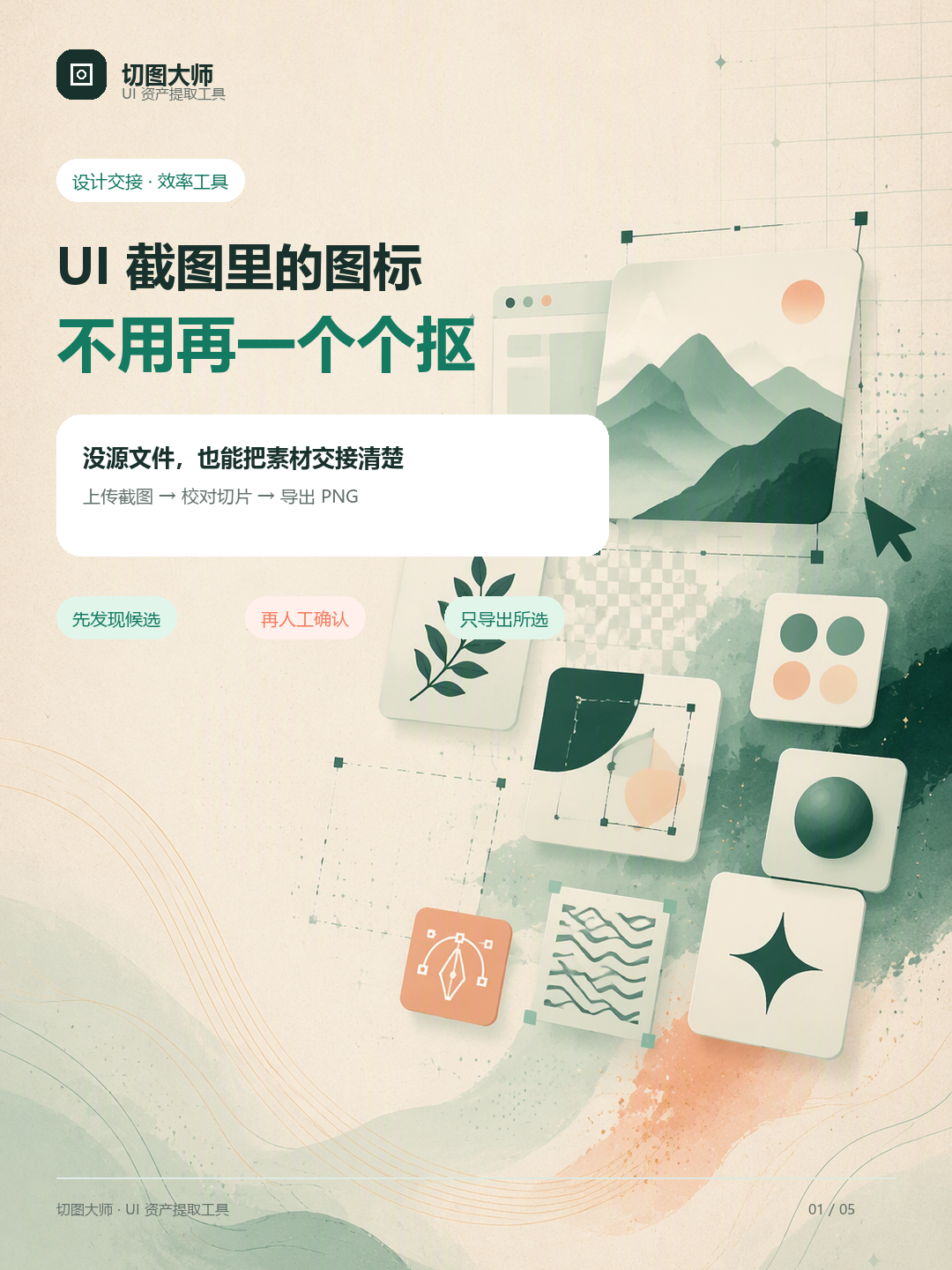
Four types of elements to export first
| Element | Why export it? | Handoff note |
|---|---|---|
| Brand and complex graphics | Logos, textures, hand-drawn illustrations, and 3D visuals are hard to reproduce reliably with CSS. | Document ratio, background, and light/dark variants. |
| Fixed icons | The appearance is stable and transparent edges or shadows need to be preserved. | Use shared canvas and naming rules. |
| Campaign and business visuals | Badges, posters, product images, and other media are content assets. | Group by page, campaign, or state. |
| Reusable illustrations in screenshots | A finished screenshot may be the only clue when the source file is unavailable. | Keep a human review step to avoid neighbouring copy. |
Content that should usually remain code
Headings, body copy, prices, form fields, ordinary button labels, dividers, and standard rounded containers should normally be implemented with HTML, CSS, or components. They need to adapt to viewport, language length, data state, and accessible reading order.
Handoff checklist
- Does each asset have a clear purpose, page location, and state?
- Do icons in one family share canvas size, padding, and naming?
- Have editable labels, prices, or business data been mistakenly exported?
- Are display size, density, and stretching rules documented?
- Can a developer find the right file in 30 seconds without asking the designer?
Use Slice Master for the final asset inventory
Put the complete UI screenshot into Slice Master, review the candidate elements, remove text and decorative noise, correct boundaries, and export selected PNGs. The tool does not decide whether an element belongs in code; it makes the asset inventory visible and faster to review.
Assets are hidden in a screenshot, questions return to the designer, and omissions appear during integration.
Images, names, sizes, and usage notes form a searchable checklist, so integration has fewer surprises.
Frequently asked questions
When should a design element become an image asset?
When it is fixed, detail-heavy, and does not change with data or language.
Should headings and button labels be exported as images?
Usually no. Keep them in code for responsive layout, search, accessibility, and maintenance.
What notes should accompany handoff images?
At least filename, purpose, state, canvas size, display size, and stretching rules.
Start handoff with clearer assets
Turn a complete interface screenshot into an organised list of icons and illustrations.